
Access Control That Works for Raleigh Businesses

A former employee leaves, a vendor needs after-hours access, or a manager discovers that too many people have copies of the front-door key. These are the moments when access control stops being a technical upgrade and becomes a practical business need. The right system gives Raleigh business owners a clearer answer to one basic question: who can enter, where, and when?
For small and mid-sized businesses, controlling entry should not require complicated procedures or constant worry. A well-planned system can protect employees, inventory, records, equipment, and customer areas while making daily operations easier for the people who belong in the building.
What Access Control Does for Your Business
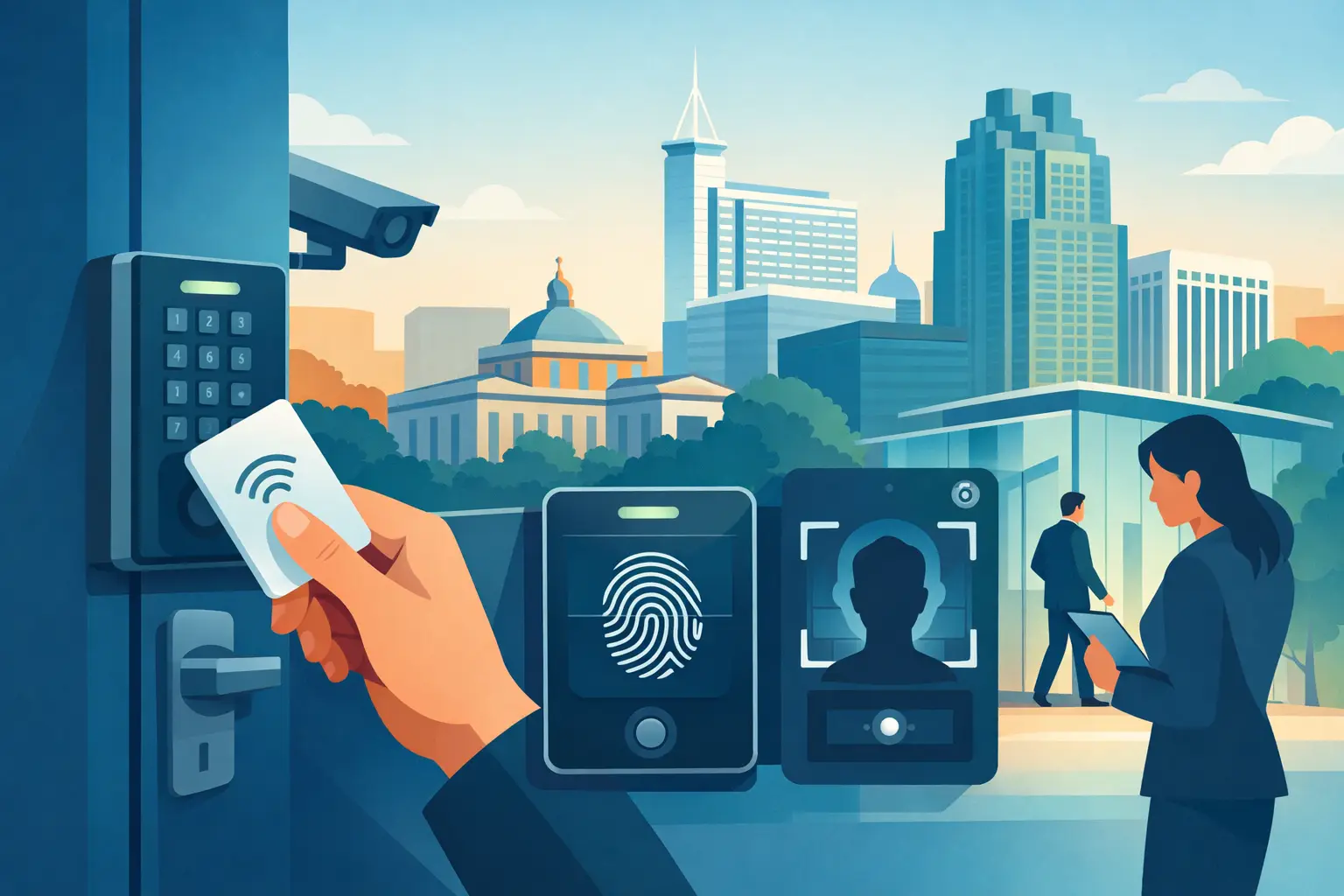
Access control is a security system that manages entry to a building, room, gate, or other restricted area. Instead of relying only on traditional keys, authorized people may use a keypad code, key card, fob, mobile credential, or biometric reader to gain access.
The real value is control after the lock is installed. When an employee changes roles or leaves the company, an administrator can remove that person’s credential instead of wondering whether they returned every key. When a delivery team needs access only on weekday mornings, permissions can be limited to that schedule. When a storage room contains valuable equipment or sensitive files, access can be restricted to the people who actually need it.
That does not mean every business needs a complex networked system at every door. A single keypad lock may be the right fit for a small office with a few trusted employees. A medical office, warehouse, property management company, or business with multiple shifts may need audit trails, scheduled access, and separate permissions for several areas. The right answer depends on your building, staffing, daily routines, and security concerns.
Where Access Control Makes the Biggest Difference
Most businesses begin with their exterior doors. Front entrances, employee entrances, rear doors, and loading areas are common places to replace shared keys with managed credentials. This reduces the risk created when keys are copied, lost, or passed from one person to another without approval.
Interior doors often deserve just as much attention. Server closets, offices with financial records, supply rooms, pharmacy storage, tool cribs, and restricted work areas may not need access for every employee. Limiting entry helps reduce internal theft, accidental access, and confusion about responsibility.
Property managers and multi-tenant buildings can also benefit from controlled access at common entry points. A system may provide different credentials for tenants, maintenance staff, cleaning crews, and contractors. Rather than rekeying the building every time occupancy changes, authorized credentials can be added or removed as needed.
For businesses with customers coming and going, access control can improve convenience without making the property feel unwelcoming. Staff-only areas stay protected while public entrances remain easy to use during business hours. A professional locksmith can help separate those needs so security supports service rather than getting in the way of it.
Choosing the Right Type of Access Control
The simplest options are standalone keypad locks and electronic lever sets. These work well for one or two doors and allow you to assign a code rather than issue physical keys. They are often a practical choice for small offices, private suites, storage rooms, and employee-only areas. However, if the same code is shared by several people, it can be difficult to know who entered or to manage changes quickly.
Key fobs and card-based systems offer stronger individual accountability. Each employee can receive a unique credential, which can be deactivated if it is lost or no longer needed. Many systems can also create an entry record, helping business owners review activity after an incident or confirm when staff arrived.
Mobile access is another option. Employees use an approved credential on their phone, reducing the need to carry cards or fobs. This can be convenient for businesses with rotating staff or managers who need to grant temporary access remotely. Still, mobile systems depend on proper user management, reliable devices, and clear policies for lost or replaced phones.
Biometric readers, such as fingerprint systems, may make sense in higher-security environments. They can reduce credential sharing, but they also cost more and require careful installation, privacy considerations, and a dependable backup method if the reader cannot verify a user. For many local businesses, a properly installed card, fob, or keypad system provides the best balance of cost, convenience, and protection.
Start With the Doors, Not the Technology
A good access control plan begins with a walkthrough of the property. The door itself, frame, hinges, latch, closer, and exit hardware all matter. An electronic lock cannot compensate for a weak door frame or damaged hardware. If a rear door does not close and latch consistently, the system may not secure the building the way it should.
Fire and life-safety requirements matter as well. Employees and visitors must be able to exit safely during an emergency. Access control should never obstruct required egress or create a dangerous delay when someone needs to leave. This is one reason professional installation is worth considering, especially for commercial doors, panic hardware, and buildings with multiple occupants.
It also helps to identify how each door is used. A busy employee entrance may need durable hardware built for frequent cycles. A rarely used records room may need a simpler locking solution. A gate may require weather-resistant equipment and a plan for power interruptions. Matching the hardware to the opening prevents unnecessary repairs and frustration later.
Set Clear Rules for Credentials and Permissions
Technology works best when there is a simple process behind it. Decide who is allowed to add or remove users, who approves after-hours access, and what happens when a credential is lost. Keep the number of system administrators limited. Too many people with full control can create mistakes and make it harder to track changes.
Avoid assigning one shared code to an entire team whenever possible. Individual codes or credentials provide better accountability and are easier to disable. If a temporary code is needed for a contractor, vendor, or cleaning crew, set an expiration date or restricted schedule when the system allows it.
Review access permissions regularly, especially after staffing changes. A promotion, transfer, resignation, or termination should trigger a quick review of physical access. This is one of the most useful advantages of electronic access systems: removing access can take minutes instead of requiring every exterior lock to be rekeyed.
Traditional keys still have a place in many buildings, particularly as emergency backups. Keep spare keys controlled, documented, and stored securely. A mixed approach – managed electronic access at key doors with quality mechanical locks elsewhere – is often the most sensible setup for a growing business.
Plan for Power, Internet, and Emergencies
Business owners should ask what happens if the power goes out, the internet is unavailable, or a credential reader fails. The answer varies by system and door. Some locks are designed to remain locked during a power outage, while others may release for safety reasons. Battery backup, mechanical key override, and local programming options can all be part of the plan.
There is a trade-off here. More connected systems offer convenient reporting and remote management, but they may require network support and ongoing administration. Standalone systems are simpler and can be dependable, yet they may not provide detailed activity records or centralized control. A locksmith can explain those differences in plain language before you invest in equipment that does not match your needs.
If a door will not open, a credential has been disabled by mistake, or a lock is damaged after an attempted break-in, quick service matters. Advance Locksmith Inc provides commercial locksmith support in Raleigh and nearby communities, including help with lock repairs, rekeying, high-security upgrades, and access control needs.
Keep the System Working After Installation
Access control is not a one-time project. Test doors periodically to make sure they close, latch, lock, and release properly. Replace weak batteries before they fail, inspect exposed exterior hardware for damage, and update user permissions as your team changes. If your business relocates, expands, or adds new departments, revisit your access plan rather than trying to stretch an outdated setup beyond its purpose.
A secure business does not need to feel complicated. Start with the doors that create the greatest concern, choose a system your team can manage confidently, and build from there. One well-controlled entrance can give you more peace of mind than a drawer full of untracked keys ever could.